What Causes Banding Issues in High Speed Digital Printing?

Time:2026-05-19 Author:Henry
0%

In the rapidly evolving field of high-speed digital printing, understanding the intricacies of image quality is crucial. One common issue faced by many professionals is banding. According to Dr. Emily Hart, a leading expert in digital printing technology, "Banding is often an overlooked but significant problem that can affect overall print quality."

What causes banding issues in high-speed digital printing? This question remains a puzzle for many in the industry. Banding is the result of various factors, including printer calibration, ink distribution, and media interaction. Suboptimal settings can lead to visible stripes, undermining the print's integrity. Even seasoned technicians can sometimes struggle with these problems.

The challenge of addressing banding highlights the need for continuous learning and adaptation. It's essential for printer operators to remain informed about the latest advancements. Even minor adjustments can make a difference. Experience plays a vital role in recognizing patterns and troubleshooting issues. Practicing diligence in monitoring print jobs can lead to more consistent results and better understanding of banding causes.
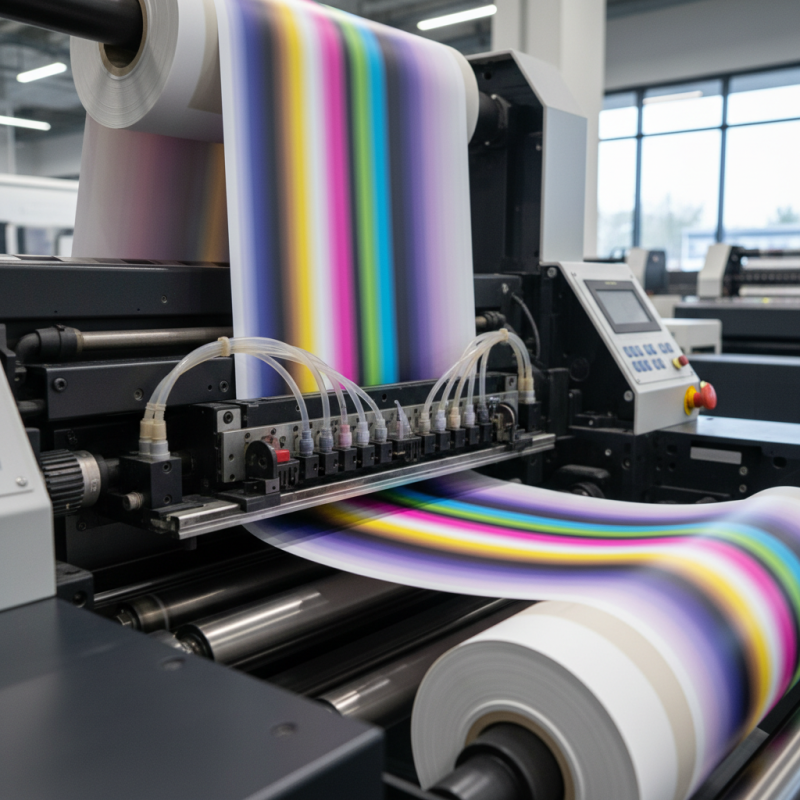
What Causes Banding Issues in High Speed Digital Printing?

What is Banding in High-Speed Digital Printing?

Banding in high-speed digital printing is a common issue, often characterized by the presence of visible stripes or lines across printed materials. This phenomenon can stem from various causes, including improper calibration, inconsistent media feeding, and variations in ink viscosity. According to a report by the Digital Printing Association, about 22% of printers identify banding as their most significant quality problem. This highlights the need for continuous monitoring and adjustments during the printing process.

To address banding, operators should ensure that the printer is calibrated correctly. Regular maintenance is essential. Dust buildup on print heads can lead to uneven ink distribution, resulting in artifacts like banding. Additionally, using high-quality media appropriate for the specific printer can contribute to better print consistency.

Tip: Regularly check for mechanical wear in printers. Worn parts can affect print quality over time. Ensure that you adjust settings based on the ink type and media used. Understanding how different inks react with substrates can also help reduce banding issues. Addressing these details can significantly enhance final print quality.

Common Causes of Banding Issues in Digital Printing

Banding issues in high-speed digital printing can frustrate even the most experienced operators. This problem often manifests as unwanted lines or stripes across printed materials, which can undermine the quality of the final product. Several factors contribute to these banding occurrences, and understanding them is crucial for achieving optimal print results.

One common cause of banding is improper calibration of the printer. If the print heads are not properly aligned, the ink may not be distributed evenly. This misalignment can lead to noticeable gaps or inconsistencies. Dust or debris on the print head or paper can also introduce banding. It’s essential to maintain a clean environment to minimize these interruptions. Regular cleaning and maintenance should be integral to your printing routine.

Additionally, media type can impact print quality. Different materials absorb ink differently, which can create varying levels of saturation and sharpness. If the wrong type of paper is used, banding may occur more frequently. It’s worth experimenting with various media to find what works best for your printer. Operators should be open to adjusting their strategies when banding appears. Identifying specific issues is vital to enhance both technique and machinery reliability.

The Role of Printer Calibration and Maintenance

Printer calibration and maintenance are crucial in combating banding issues in high-speed digital printing. When a printer is not properly calibrated, it may produce uneven color distributions. This results in noticeable banding across printed materials. Regular calibration ensures that the printer accurately interprets design files, thus reducing inconsistencies. Routine checks on color density and alignment can prevent these common pitfalls.

Maintaining the printer is equally important. Dust buildup or worn-out parts can contribute to banding. Cleaning the print heads and ensuring that the ink cartridges are in good condition is vital. Operators should check for calibration settings regularly. Being proactive can help to identify developing issues before they escalate. Unfortunately, many skip essential maintenance steps. This can lead to frustrating printing experiences and increased waste.

Adopting a systematic approach to both calibration and maintenance offers long-term benefits. Professionals must remain vigilant. A well-maintained printer not only enhances print quality but also extends the printer's lifespan. Every step taken toward proper care can yield more reliable results, making it essential for anyone relying on high-speed digital printing.

What Causes Banding Issues in High Speed Digital Printing? - The Role of Printer Calibration and Maintenance

Issue Description Frequency Recommended Action
Misalignment Print head not perpendicular to the paper Frequent Recalibrate print head
Clogged Nozzles Ink nozzles blocked causing uneven ink flow Occasional Perform nozzle cleaning
Incorrect Media Settings Using wrong paper type settings can lead to banding Common Set the correct media type in printer settings
Software Issues Driver or software malfunctions affecting print quality Rare Update driver and software periodically
Improper Maintenance Lack of regular cleaning and calibration Frequent Establish a regular maintenance schedule

Impact of Ink and Media Types on Banding

Banding issues in high-speed digital printing can significantly hinder print quality. A major influence on this problem is the type of ink used. Pigment-based inks may not spread evenly, causing visible lines. Dye-based inks offer better absorption but can lead to oversaturation. The choice of ink affects how well it adheres to the media and how it interacts during the printing process.

Media type also plays a crucial role. Glossy papers often reflect light in unexpected ways, enhancing the visibility of banding. Textured papers may absorb ink differently, contributing to inconsistent color. The weight and thickness of the media can also affect how the ink lays down. Issues can arise if the material is too porous or too slick. Each media and ink combination requires careful consideration to minimize defects.

Experimenting with different combinations is essential. Adjustments to print settings, such as speed and resolution, can also help. Understanding how ink and media interact is crucial for achieving optimal results. Sometimes, it takes trial and error to find the right match. This reflection on choices and adjustments can lead to improved print quality and fewer banding issues.

Solutions and Preventive Measures for Banding Issues

Banding issues in high-speed digital printing can be frustrating. These lines or stripes often disrupt print quality and can stem from various factors. To tackle banding, understanding the causes is essential.

Regular maintenance of printing equipment is critical. Print heads can become clogged, affecting ink flow and color consistency. Routine cleaning can mitigate this issue. Adjusting the printer settings can also help. Matching the print speed to the media type is vital. If the speed is too fast for the media, banding may occur. Testing different settings often leads to better results.

Another preventive measure is ensuring proper environmental conditions. Humidity and temperature fluctuations can impact ink drying times. Keeping the printing area stable can improve performance. It's about creating a consistent environment for optimal printing. Regularly checking the quality of materials used is beneficial as well. High-quality paper or media can minimize banding issues. Experimenting with different media types can often yield surprising improvements.

Causes of Banding Issues in High-Speed Digital Printing

FAQS

: What is banding in digital printing?

: Banding refers to visible stripes or lines on printed materials. It affects the quality of prints.

What causes banding issues?

Common causes include improper printer calibration, inconsistent media feeding, and variations in ink viscosity. Dust and debris also contribute.

How can I calibrate my printer to reduce banding?

Ensure correct alignment of print heads. Regularly check color settings and adjust as necessary for optimal results.

Why is regular maintenance important?

Regular maintenance prevents dust buildup and wear. It helps maintain ink distribution consistency, avoiding banding issues.

What type of media affects print quality?

Different media absorb ink differently. Choosing the right paper can reduce banding and enhance saturation and sharpness.

How often should I clean my printer?

Regular cleaning should be part of your routine. This minimizes dust on print heads, which can cause banding.

Can worn parts contribute to banding?

Yes, worn parts can affect print quality over time. Regular checks on printer parts are necessary for consistent results.

What should I do if banding occurs?

Identify the issue quickly. Adjust settings, clean the printer, and experiment with different media for better outcomes.

How can I ensure consistent printing?

Monitor calibration closely, maintain regular cleaning, and understand your ink's interaction with various substrates.

What long-term benefits come from proper printer care?

Proper care enhances print quality and extends the printer's lifespan, leading to higher reliability and less waste.

Conclusion

Banding issues in high-speed digital printing refer to the visible lines or stripes that can appear across printed materials, often detracting from the overall quality. Understanding what causes banding issues in high-speed digital printing is crucial for maintaining print quality and efficiency. Common causes include improper printer calibration, inconsistent ink application, and variations in media types.

Maintaining proper printer calibration and regular maintenance is essential to mitigate these problems. Additionally, the choice of ink and media can significantly impact the likelihood of banding; certain combinations may exacerbate the issue. To address and prevent banding, it is important to implement effective solutions such as optimizing print settings, ensuring consistent ink density, and using compatible media. By focusing on these areas, printers can achieve smoother, more consistent outputs.

Henry

Henry

Henry is a dedicated marketing professional with a profound expertise in the company's offerings. With years of experience in the industry, he possesses an impressive understanding of the market dynamics and consumer behaviors that drive success. Henry is committed to sharing his insights through......